
ICLS Teachers are provided a Microsoft (icls.edu) account to access the online cloud versions of the Microsoft Office 365 suite.
Accessing Office cloud apps
- Go to the Office 365 Apps Dashboard.
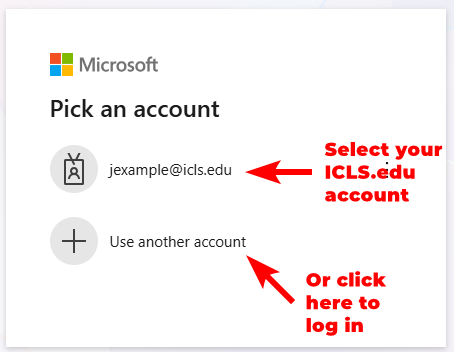
- If prompted, click on your ICLS.edu account or log in directly with your ICLS.edu Microsoft credentials.
- Once logged in, you can select the Office app you wish to access by clicking on its tile in the Apps list.
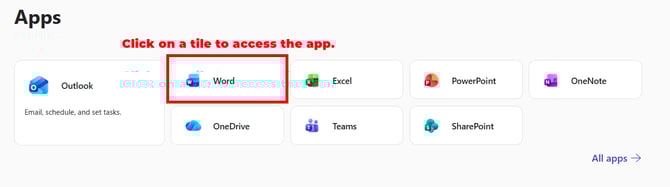
- The app will then open in a new tab, allowing you to access or create the desired files.
Accessing Office desktop apps
Office desktop apps are only available to certain users on request. If you need access to the desktop version of Office, please email itsupport@icls.edu.