1. Click here to log into your Paycor account:
2. Enter your User Name and Password and then click Sign In.
3. At the top under your name, click Pay Stubs to view your check stub information.

4. A list of your paystubs appears.

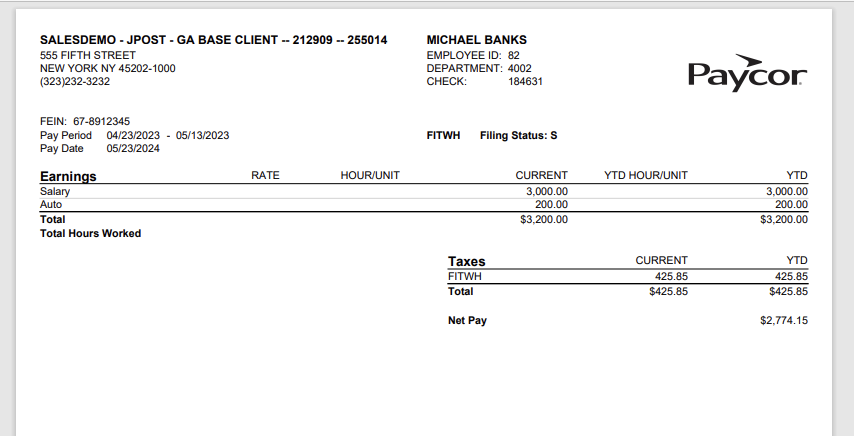
5. On the right, in the Actions column, click View PDF to see your Paystub.